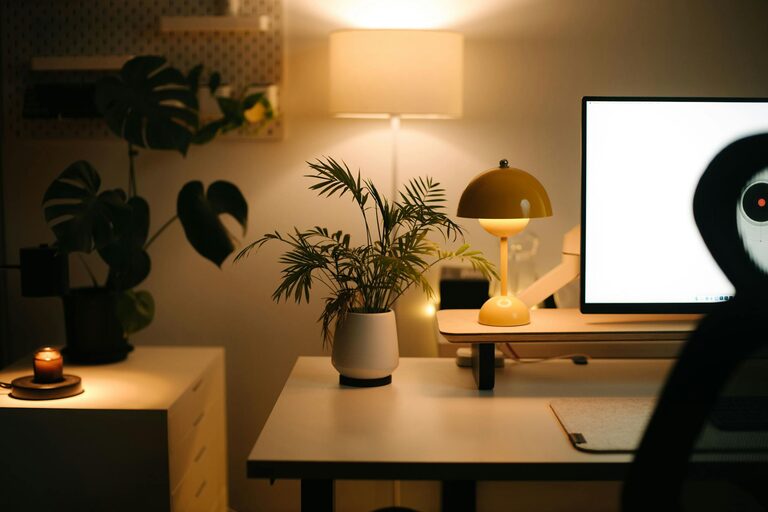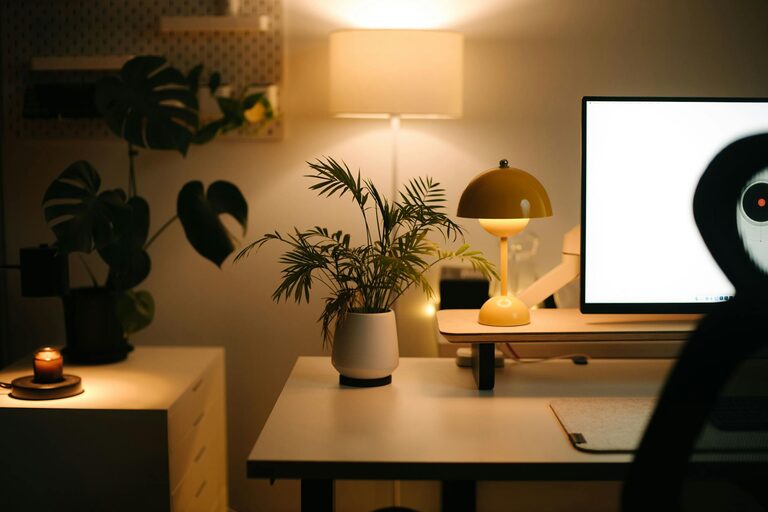
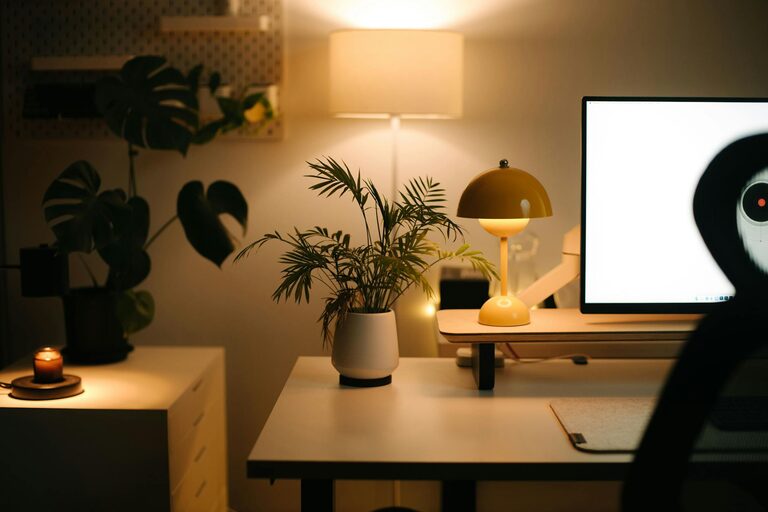
Creating a cozy and functional home workspace can make a significant difference in your productivity and overall well-being while working from home. Whether you have a dedicated room or just a small corner, the right setup helps you focus, reduces stress, and encourages a healthy work-life balance.
In this post, we’ll share practical tips to design an inviting and efficient workspace tailored to your needs.
Choose the Right Location
Your workspace location sets the foundation for comfort and functionality.
– Natural Light: Select a spot near a window if possible. Natural light boosts mood and energy levels.
– Quiet Area: Find a place with minimal distractions to improve concentration.
– Space Availability: Even a small nook can work if arranged thoughtfully.
Invest in Comfortable and Functional Furniture
Comfort is key when spending long hours at your desk.
– Ergonomic Chair: Choose a chair with proper lumbar support and adjustable height.
– Desk Size: Pick a desk that fits your equipment without crowding the space.
– Storage Solutions: Desks with built-in drawers or shelves help keep essentials organized.
Optimize Lighting
Proper lighting reduces eye strain and creates a warm environment.
– Layered Lighting: Combine overhead lights with task lamps to control brightness as needed.
– Warm Bulbs: Use warm-toned bulbs for a cozy feel.
– Adjustable Lamps: A desk lamp with brightness and angle control is ideal.
Personalize Your Workspace
Add personal touches to make the space inviting and inspiring.
– Plants: Indoor plants improve air quality and add life to the room.
– Artwork and Photos: Display items that motivate or make you happy.
– Textiles: Soft rugs or cushions contribute to a cozy vibe.
Keep Organized and Clutter-Free
A tidy workspace enhances productivity and reduces stress.
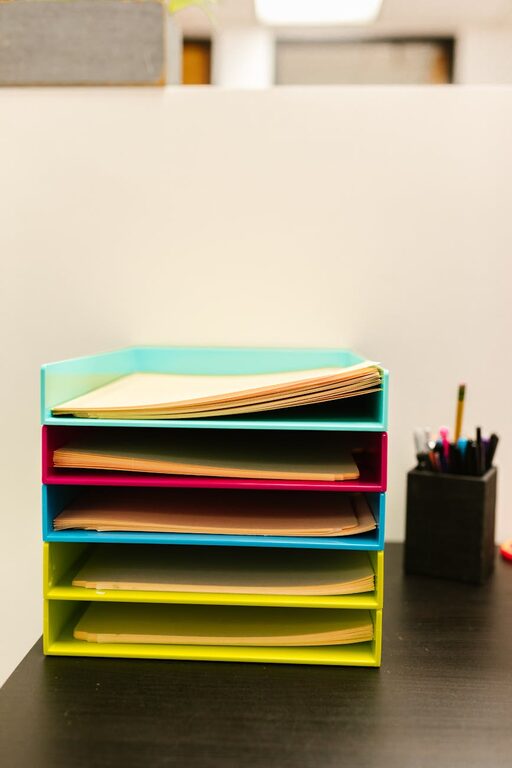
– Use Organizers: Invest in drawer dividers, file holders, and pen cups.
– Regular Decluttering: Set aside time weekly to clear unnecessary items.
– Cable Management: Use clips or sleeves to keep cords neat and prevent tangling.
Incorporate Technology Wisely
Technology can boost efficiency if managed well.
– Quality Equipment: Use a reliable computer, monitor, and keyboard suited to your tasks.
– Good Internet Connection: Ensure your Wi-Fi is stable to avoid interruptions.
– Headphones: Noise-canceling headphones help maintain focus in noisy environments.
Establish Boundaries and Routine
Separating work from home life supports productivity and relaxation.
– Designate Workspace: Use your workspace only for work to create mental separation.
– Set Hours: Maintain consistent work hours and breaks.
– Visual Cues: Close doors or use room dividers if needed to signal work time.
Add Comfort and Wellness Features
Your workspace should support your health and comfort.
– Ergonomic Accessories: Consider wrist rests, footrests, or standing desk options.
– Hydration: Keep a water bottle handy to stay hydrated.
– Break Area: If space allows, create a small corner to stretch or relax briefly.
Conclusion
Designing a cozy and functional home workspace is about balancing comfort, organization, and personal style. With thoughtful choices in location, furniture, lighting, and accessories, you can create an environment that boosts your productivity and well-being. Remember, the best workspace reflects your unique needs and helps you feel motivated every day.